Image Portrait & Avatar
Make an Illustrated Profile Photo for Work
Create a polished semi-realistic digital painting of the person in my uploaded photo, for a professional profile. Keep my real features, skin tone and hairstyle. I am wea…
Image · Portrait & Avatar
See yourself as if photographed in a past decade, with the look and colours of old film.
Reimagine the person in my uploaded photo as a portrait taken in the [DECADE]. Keep my face and expression true to the photo. Give me clothing and a hairstyle typical of that time, modest and elegant. Studio backdrop with a painted [BACKDROP]. Lighting and finish of old film: [FILM_LOOK], fine grain, slightly faded edges, soft focus around the frame. Seated pose, three-quarter view. Portrait orientation 4:5.
Tip: Try the same photo with three different decades and compare. A sharp photo with a simple background gives the best result.
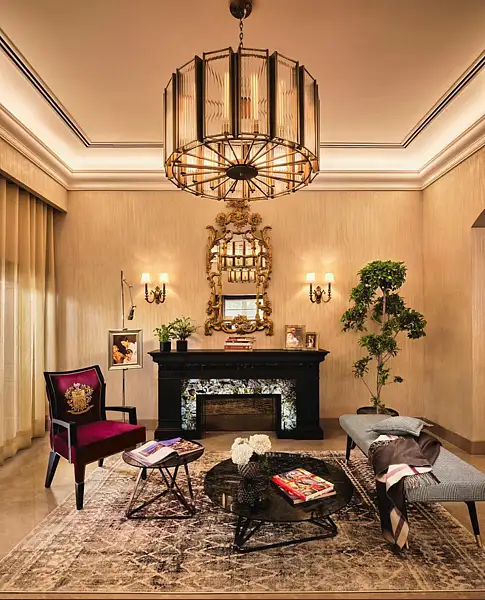
UAE consumers now arrive at showrooms with saved images and AI-generated layouts, as designers say social media shapes the starting point for home spending
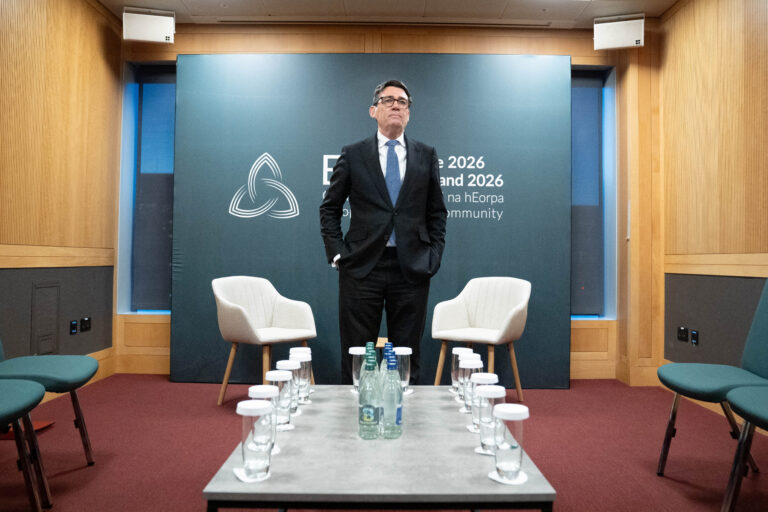
A photo has surfaced showing an aide of PM Andy Burnham using AI to work on a speech, but Downing Street insists the speeches are mainly his own. The image, published by The Mail on Sunday, shows the aide with ChatGPT on a train before Burnham’s speech.
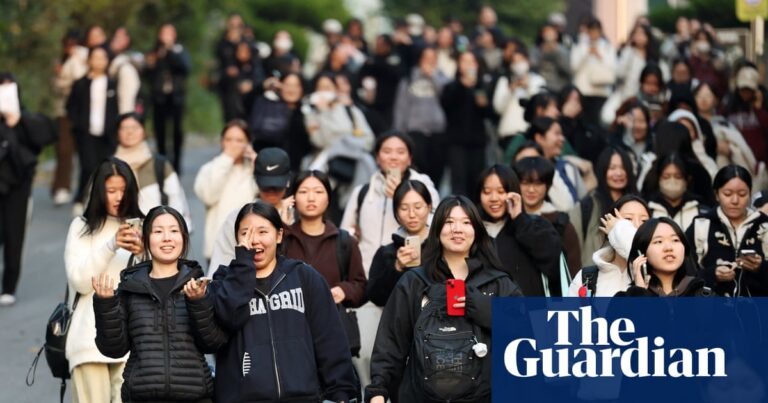
Fears for national college entrance exam next week as test taker admits sending photos of questions to AI tool