Image Portrait & Avatar
Turn Your Photo Into a Vintage Portrait
Reimagine the person in my uploaded photo as a portrait taken in the [DECADE]. Keep my face and expression true to the photo. Give me clothing and a hairstyle typical of …
Image · Portrait & Avatar
Get a clean, polished illustrated portrait of yourself for LinkedIn, email or a work chat.
Create a polished semi-realistic digital painting of the person in my uploaded photo, for a professional profile. Keep my real features, skin tone and hairstyle. I am wearing [CLOTHING], smart and modest. Friendly, confident expression, shoulders slightly turned, eyes to camera. Soft window light from the left, gentle shadows. Background: a softly blurred [SETTING] in [COLOR_PALETTE] tones. Sharp focus on the face, calm and trustworthy mood. Square 1:1, head and upper chest.
Tip: Use a recent photo where your face is clearly visible. If the result looks too different from you, ask the tool to 'keep my face closer to the photo'.
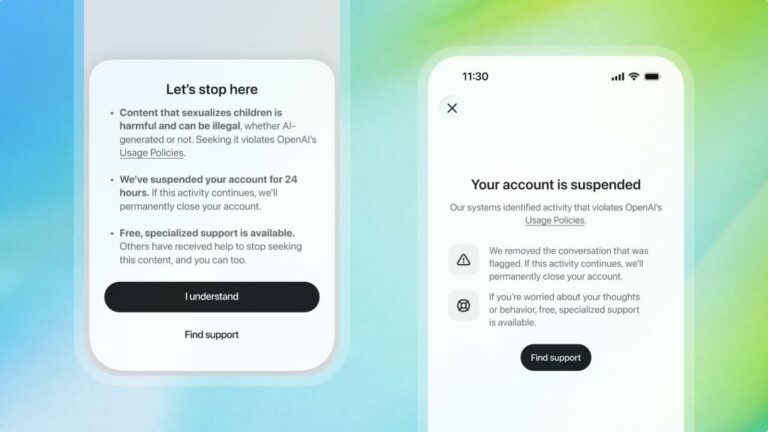
ChatGPT will ban an account trying to access CSAM content for 24 hours as a warning
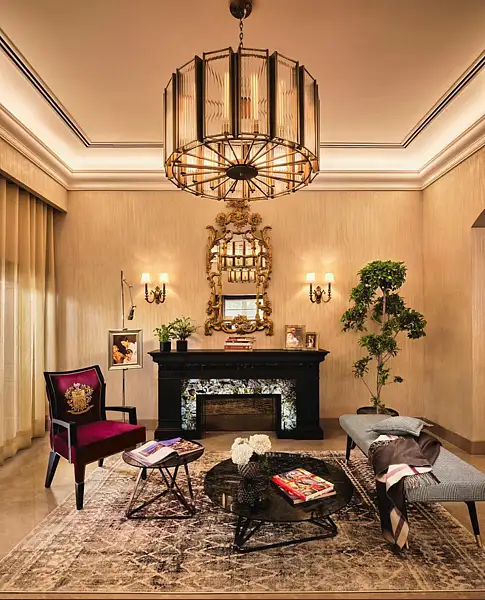
UAE consumers now arrive at showrooms with saved images and AI-generated layouts, as designers say social media shapes the starting point for home spending
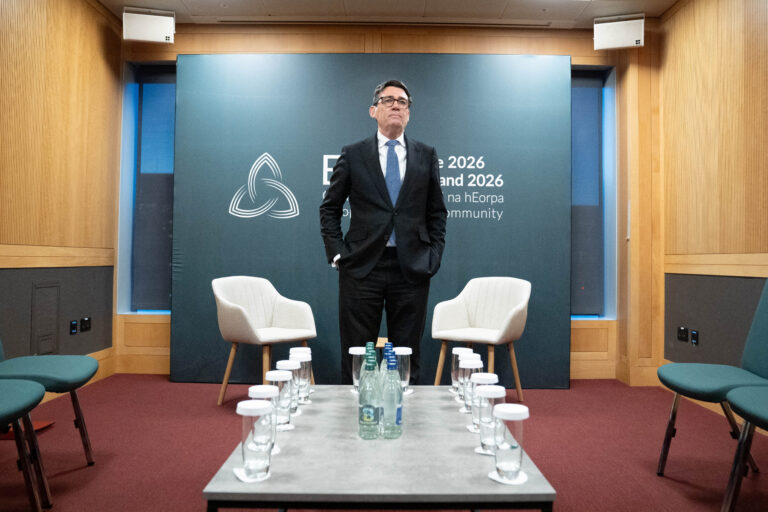
A photo has surfaced showing an aide of PM Andy Burnham using AI to work on a speech, but Downing Street insists the speeches are mainly his own. The image, published by The Mail on Sunday, shows the aide with ChatGPT on a train before Burnham’s speech.