Image Logo & Icons
Design an Elegant Monogram From Your Initials
An elegant monogram made from the letters "[INITIALS]", the letters gently interlocking. Style: [MONOGRAM_STYLE]. Framed by a thin [FRAME_SHAPE] border with small decorat…
Image · Logo & Icons
Generate a consistent set of icons for an app, website, presentation or planner.
A matching set of nine icons arranged in a neat 3x3 grid, each one showing: [ICON_LIST]. All icons share the same [ICON_STYLE] style, the same line thickness, rounded corners and the same size. Colour palette limited to [COLORS]. Even spacing, each icon centred in its own soft rounded square. Plain light background, no text labels. Square 1:1.
Tip: Ask for fewer icons (four or six) if some come out wrong, then generate the rest separately with the same style words.
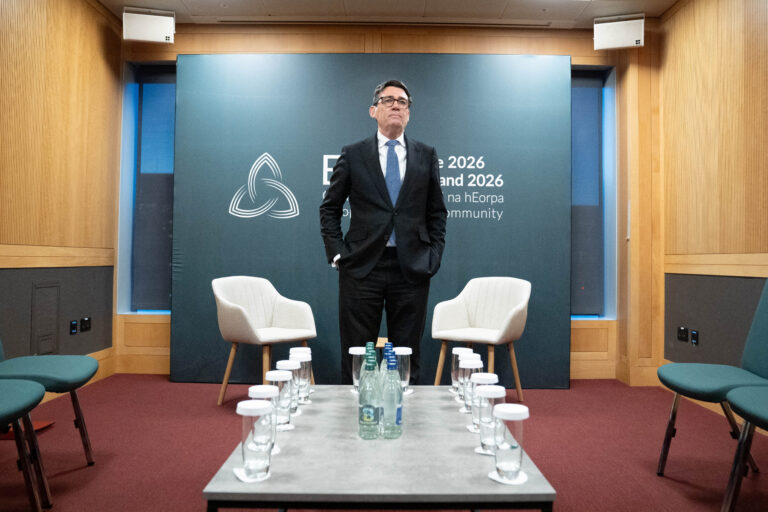
A photo has surfaced showing an aide of PM Andy Burnham using AI to work on a speech, but Downing Street insists the speeches are mainly his own. The image, published by The Mail on Sunday, shows the aide with ChatGPT on a train before Burnham’s speech.
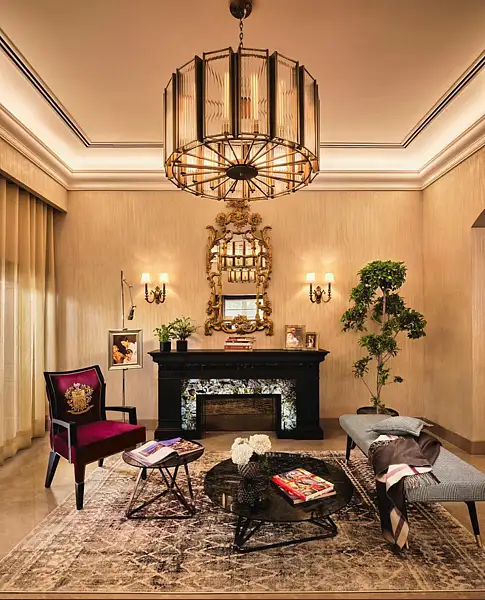
UAE consumers now arrive at showrooms with saved images and AI-generated layouts, as designers say social media shapes the starting point for home spending
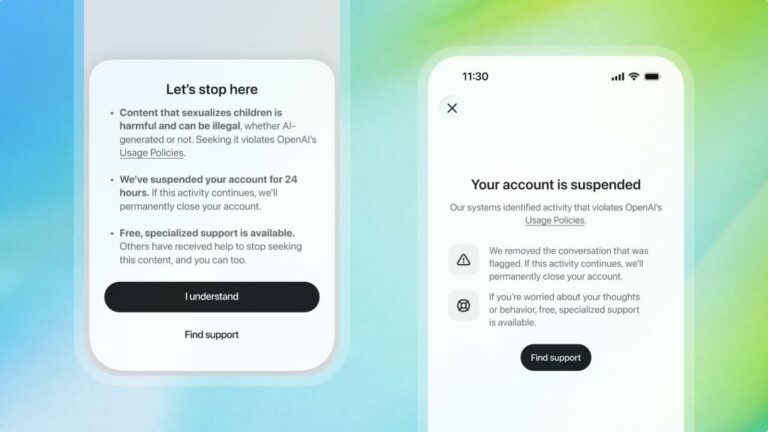
ChatGPT will ban an account trying to access CSAM content for 24 hours as a warning