Image Posters
Make a Motivational Quote Wall Poster
A typographic wall poster with the words "[QUOTE]" as the hero. Letters arranged in a balanced layout, mixing a bold font and a light font for rhythm. Small decorative el…
Image · Posters
Make a bold poster for a school fair, workshop, sports day or community event.
Bold, eye-catching poster for an event called "[EVENT_NAME]". Large clear title at the top, then the line "[DATE_AND_PLACE]" smaller underneath. The main picture in the middle shows [MAIN_VISUAL]. Modern [DESIGN_STYLE] design, strong contrast, simple shapes, lots of breathing room so the text is easy to read from far away. Portrait 2:3.
Tip: Keep text short; AI tools can misspell long lines. For long details, add them afterwards in an editor.
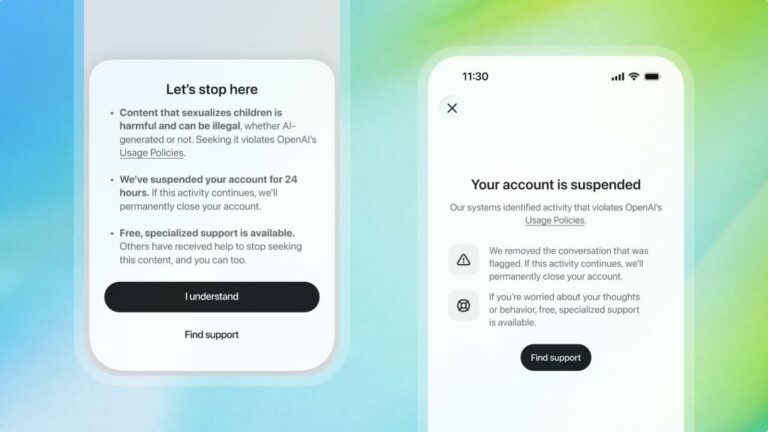
ChatGPT will ban an account trying to access CSAM content for 24 hours as a warning
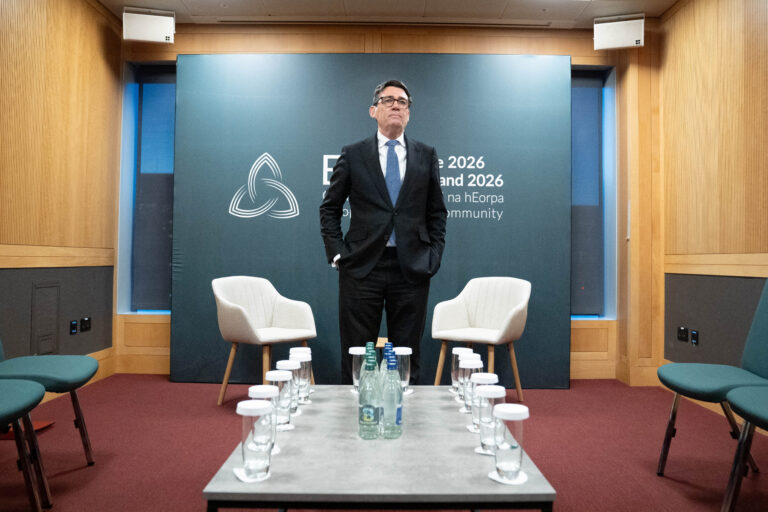
A photo has surfaced showing an aide of PM Andy Burnham using AI to work on a speech, but Downing Street insists the speeches are mainly his own. The image, published by The Mail on Sunday, shows the aide with ChatGPT on a train before Burnham’s speech.
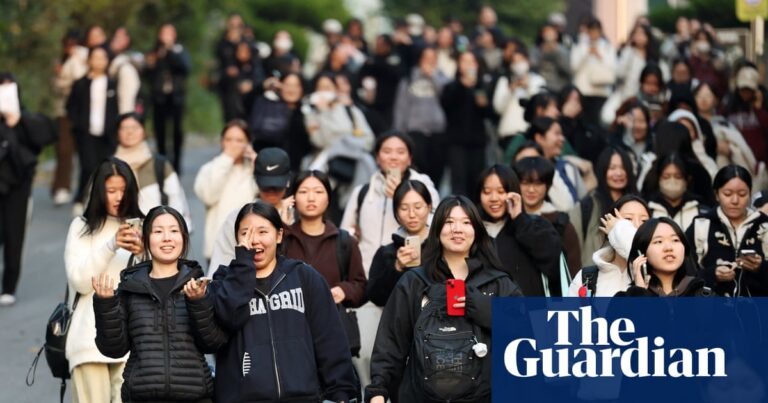
Fears for national college entrance exam next week as test taker admits sending photos of questions to AI tool