Social Content Ideas
Create a Monthly Social Media Calendar
Create a 4-week social media content calendar for [BUSINESS]. Platforms I use: [PLATFORMS] How often I can post: [POSTS_PER_WEEK] times per week Main goal this month: [G…

Turn a written idea into a short, cinematic video clip
Sora is OpenAI's tool for making videos from text. You describe a scene, such as a fox running through snow at dawn, and it produces a short clip with movement, lighting and camera angles. You can also start from an image. Results can look strikingly real, though details like hands or text may still go wrong. It is available through OpenAI's apps and services, with access and limits depending on your plan and country.

Quick, playful AI videos and effects for social media
Make short, fun AI videos and special effects from text or photos, designed for fast social media content.

An AI video studio for creating and editing clips
Create AI videos and edit footage with tools like background removal, motion control and image-to-video.

Google's AI for realistic video clips with sound
Google's video model that turns descriptions into short, lifelike clips, available through Gemini and other Google tools.

Natural-sounding AI voices for reading, dubbing and narration
Turn text into lifelike speech, clone your own voice, or dub videos into other languages.
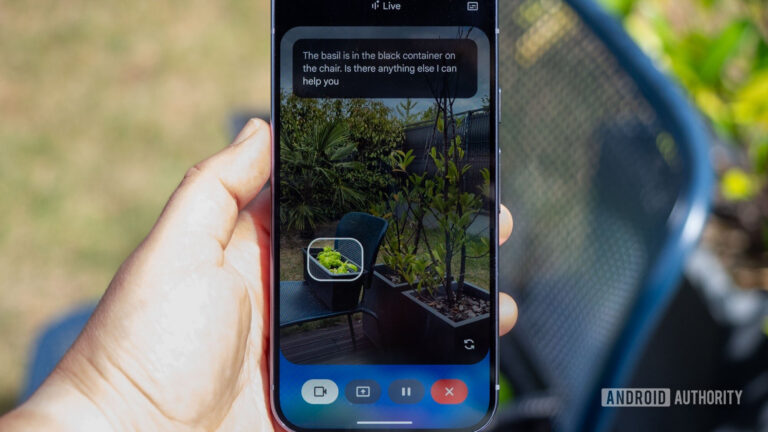
Gemini Live camera sharing lets you ask Google's chatbot about the world around you. However, we've uncovered video effects for this feature.
UAE consumers now arrive at showrooms with saved images and AI-generated layouts, as designers say social media shapes the starting point for home spending