Image Portrait & Avatar
Create a Cartoon Avatar of Yourself
Using my uploaded photo as the reference, draw me as a cheerful cartoon character in [STYLE] style. Keep my face shape, hairstyle and glasses (if any) recognisable, with …
Google's AI for creating and editing photos with simple words
Nano Banana is the popular nickname for Google's image creation and editing feature inside the Gemini app. You upload a photo and describe what you want changed, for example swapping the background, adding an object or changing colours, and it edits the picture while keeping faces and details recognisable. You can also create new images from scratch. Because it lives inside Gemini, you only need a Google account to try it.

One click to remove the background from a photo
Upload a picture and get a cut-out of the person, product or animal with a transparent background.
A Mac app for designing app screens and interfaces
A design tool for Mac used to create app and website layouts, icons and prototypes.
AI images with clear, accurate text for logos and posters
An image generator that is especially good at putting readable text into designs, like posters, logos and social graphics.
Watch AI images change live as you draw or type
A creative studio where images update in real time while you sketch or type, plus tools for upscaling and video.
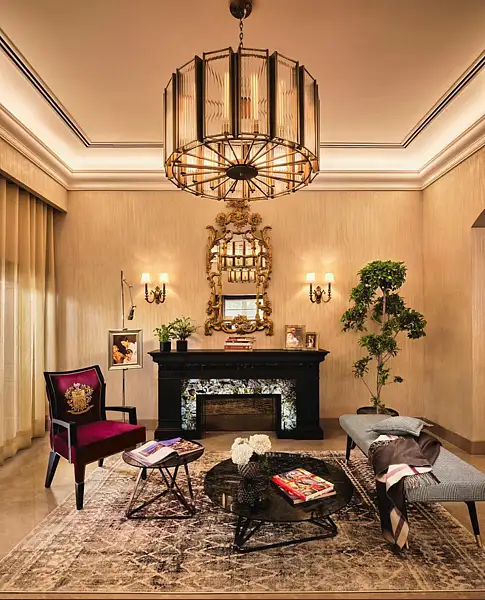
UAE consumers now arrive at showrooms with saved images and AI-generated layouts, as designers say social media shapes the starting point for home spending
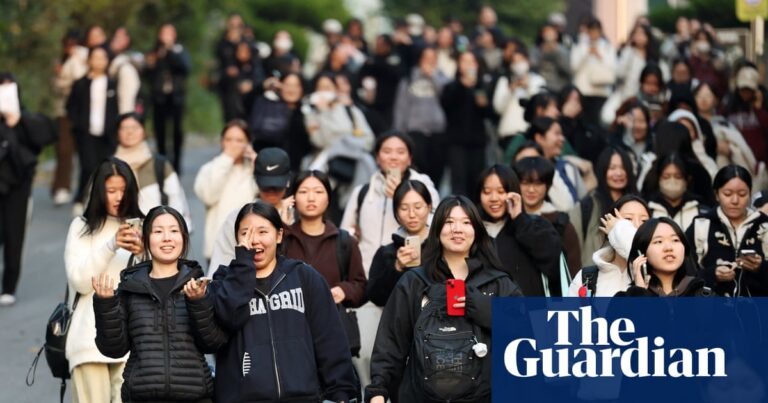
Fears for national college entrance exam next week as test taker admits sending photos of questions to AI tool
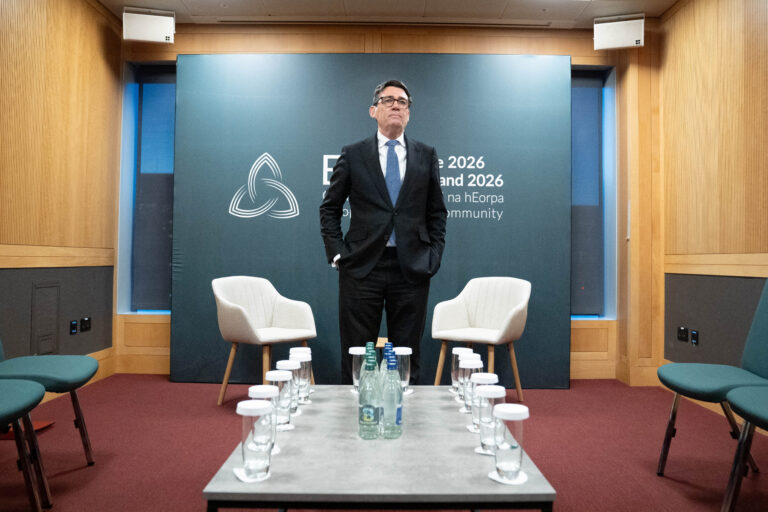
A photo has surfaced showing an aide of PM Andy Burnham using AI to work on a speech, but Downing Street insists the speeches are mainly his own. The image, published by The Mail on Sunday, shows the aide with ChatGPT on a train before Burnham’s speech.