Fun Role-play
Interview Your Future Self
Pretend to be me, [YEARS_AHEAD] years in the future. Here is a little about me today: [ABOUT_ME]. Start by greeting your younger self warmly. Then let me interview you. A…

One click to remove the background from a photo
remove.bg does one job: it removes the background from an image automatically. Upload a photo and within seconds you get the subject on a transparent background, ready for a presentation, a profile picture or a collage. You can then add a plain colour or another photo behind it. No editing skills are needed.

Create 3D models from a description or a picture
Turn text or a single image into a 3D model with textures, ready for games, 3D printing or AR.

OpenAI's image maker, now built into ChatGPT
OpenAI's image generator, known for following instructions and adding text to pictures. Today it is used mainly via ChatGPT.

Realistic AI images that follow your description closely
An image model from Black Forest Labs known for photo-like results and for sticking closely to what you ask for.

An AI video studio for creating and editing clips
Create AI videos and edit footage with tools like background removal, motion control and image-to-video.
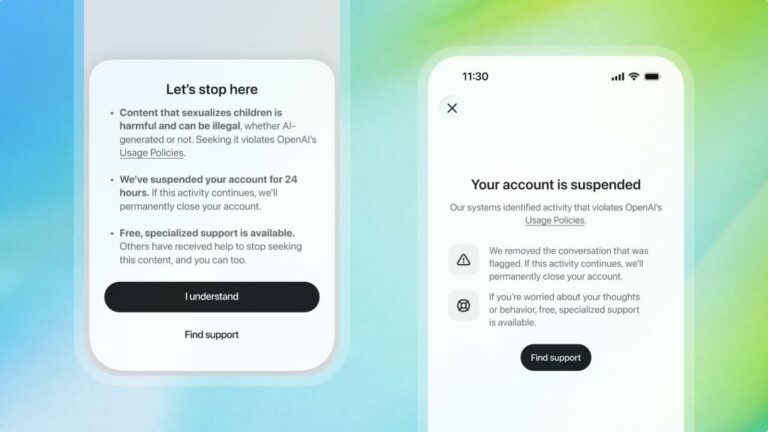
ChatGPT will ban an account trying to access CSAM content for 24 hours as a warning
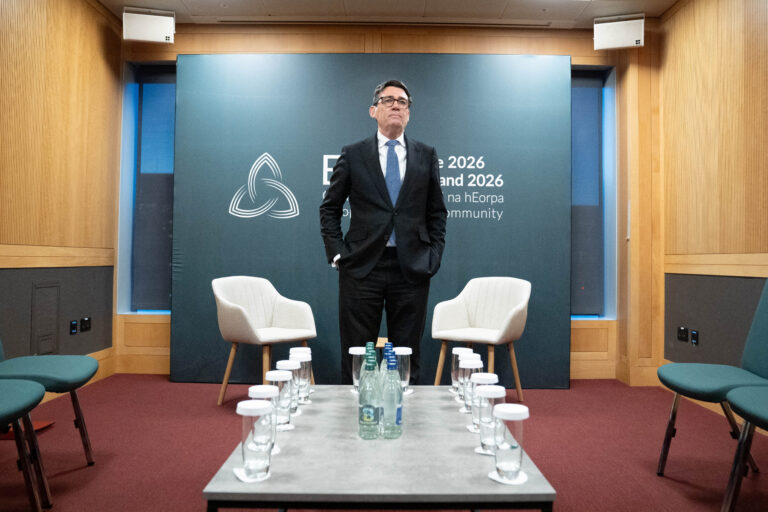
A photo has surfaced showing an aide of PM Andy Burnham using AI to work on a speech, but Downing Street insists the speeches are mainly his own. The image, published by The Mail on Sunday, shows the aide with ChatGPT on a train before Burnham’s speech.
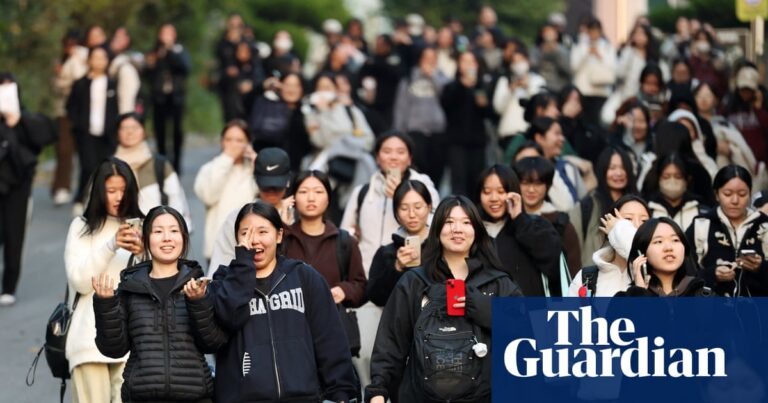
Fears for national college entrance exam next week as test taker admits sending photos of questions to AI tool