Writing Headlines
Improve a Weak Headline
Here is a headline I am not happy with: "[HEADLINE]" It is for a [FORMAT] aimed at [AUDIENCE]. First, in two or three bullet points, tell me honestly why it is weak (to…
Writing · Headlines
Get 12 email subject lines in different styles, each with a matching preview text.
Write 12 subject lines for an email I am sending to [AUDIENCE]. The email is about [EMAIL_TOPIC], and I want readers to [DESIRED_ACTION].

Use four styles, three lines each: curiosity, clear benefit, urgency (only honest urgency, no fake countdowns), and personal/friendly.

Rules: maximum 50 characters each, no ALL CAPS, at most one emoji in the whole list, no spammy words like "FREE!!!" or "Act now".

For each subject line also write a preview text of up to 90 characters that adds new information instead of repeating the subject.

Output as a table: Style | Subject line | Preview text | Character count.
Tip: Send two of the best lines to small groups of your list first, then use the winner for everyone else.
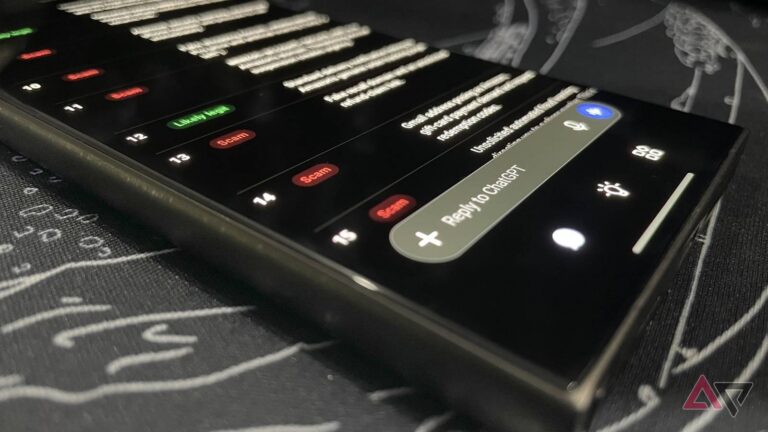
I tested Gemini, ChatGPT, and Claude on 20 fake and real Amazon messages. All three caught the scams, but only one trusted the real emails.
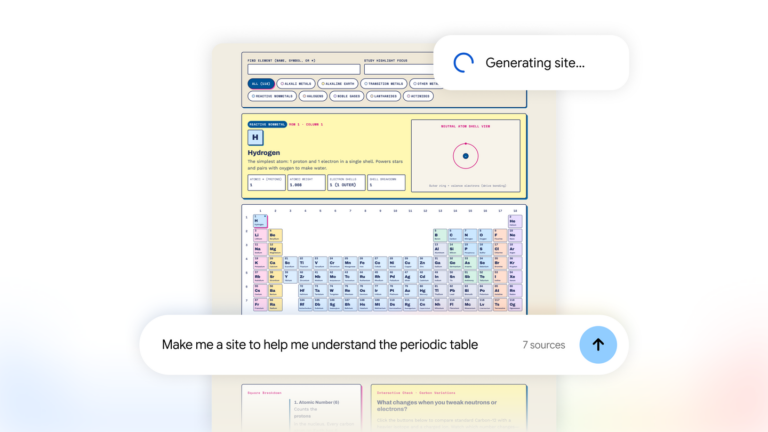
Gemini Notebook now turns your research into interactive sites. Build project trackers and visual dashboards with Google. Create your site today.