Productivity Planning
Plan a Trip or Event Checklist
Create a planning checklist for [EVENT_OR_TRIP] on [DATE]. Details: [DETAILS]. Budget: [BUDGET]. Organise the checklist by time before the date (for example: 1 month bef…

Listen to any text read aloud in a natural voice
Speechify reads text out loud using natural-sounding voices. It works in the browser, on your phone and on your computer, so you can listen to web pages, PDFs, documents and even photos of printed pages. You can speed it up or slow it down. It is helpful for people with dyslexia, language learners and anyone who prefers listening.

Create full songs with vocals from a simple idea
Describe a song or write lyrics and Suno makes a complete track with singing and instruments in seconds.

An AI music studio for songs in almost any style
Generate songs with vocals from a prompt or lyrics, with tools to edit, extend and fine-tune each track.

Very fast AI voices for apps and talking assistants
A voice technology company offering quick, natural speech, mainly used to power voice assistants and apps.

Edit video and podcasts by editing the text
Transcribes your recording so you can cut, fix and polish audio and video as easily as a document.
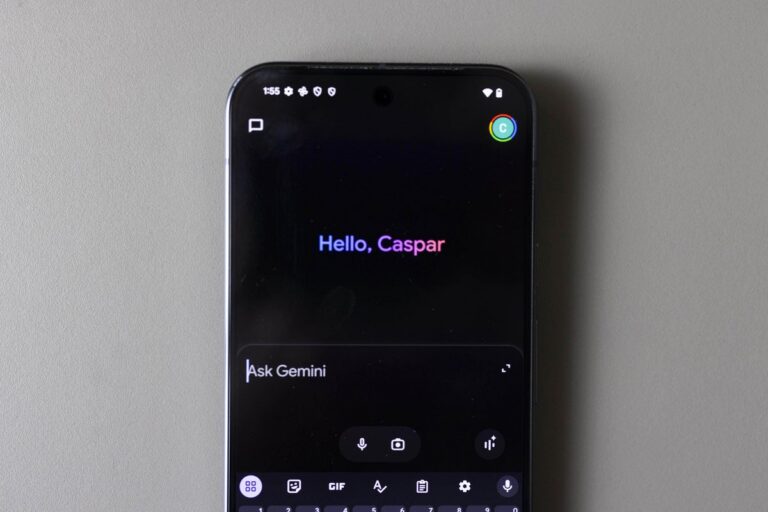
The tech company rolled out 66 new ‘regional voices’ for the Gemini app for Android and iOS on Monday.
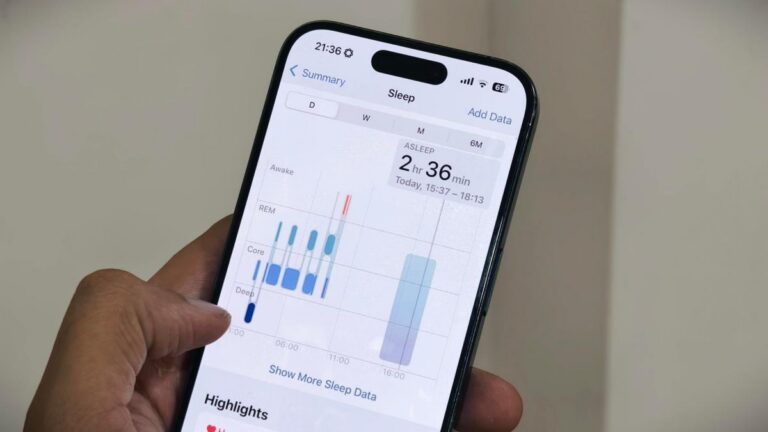
Apple is leaning into AI-powered health tools with the launch of its Apple Health AI Usage Study.
AI may not lie in replacing human effort, but in continuously enhancing human capability