Social Content Ideas
Create a Monthly Social Media Calendar
Create a 4-week social media content calendar for [BUSINESS]. Platforms I use: [PLATFORMS] How often I can post: [POSTS_PER_WEEK] times per week Main goal this month: [G…
A flexible workspace for notes, plans and teamwork, with AI
Notion is an all-in-one workspace where you can write notes, build to-do lists, plan projects and keep shared documents for a team. Pages can hold text, tables, calendars and boards, so it adapts to anything from a reading list to a company wiki. Its built-in AI can draft text, summarise pages and answer questions about your workspace. It works on web, desktop and phone.

Turn an idea or notes into a polished presentation
Type a topic or paste notes and Gamma builds a ready-to-edit slide deck, document or simple web page.

Exact answers for maths, science and data questions
Solves equations, converts units and answers factual questions with computed, reliable results.

Plan projects and keep your team on track
A project management app for organising tasks, deadlines and goals, with AI that helps plan and report.

Connect your apps and automate tasks with visual workflows
An automation tool where you link apps and AI steps on a visual canvas to handle repetitive work automatically.
I tested Gemini, ChatGPT, and Claude on 20 fake and real Amazon messages. All three caught the scams, but only one trusted the real emails.
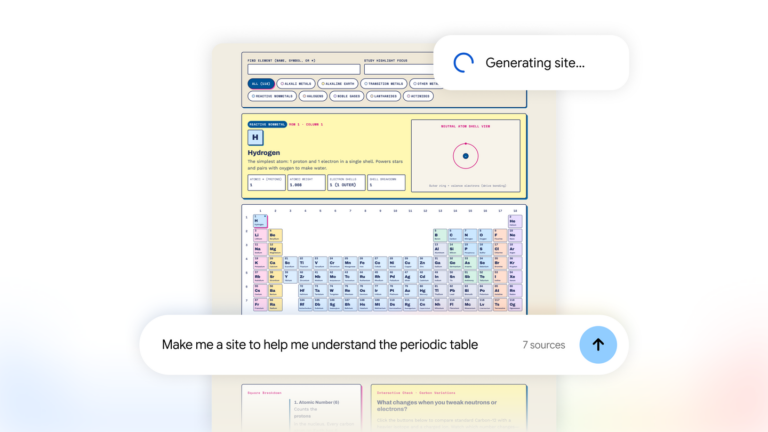
Gemini Notebook now turns your research into interactive sites. Build project trackers and visual dashboards with Google. Create your site today.
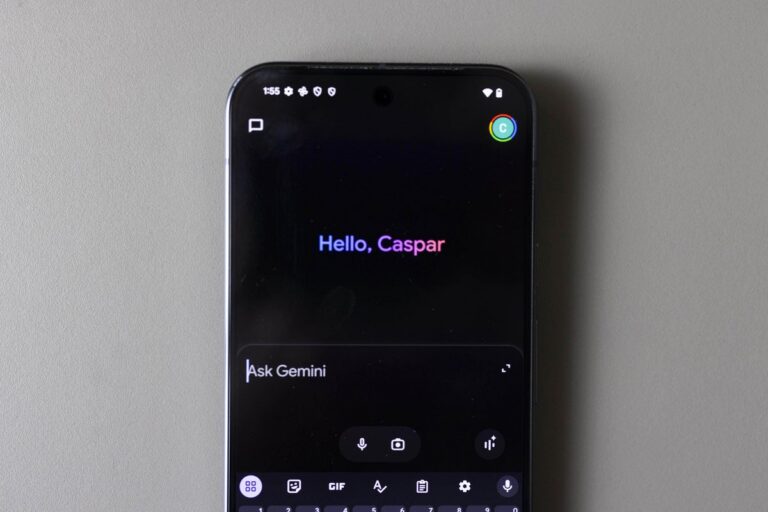
The tech company rolled out 66 new ‘regional voices’ for the Gemini app for Android and iOS on Monday.