Study Summarize & Notes
Summarize a Video or Podcast for Study
Below is the transcript of an educational [MEDIA_TYPE] about [TOPIC]. I do not have time to watch or listen again, so I need the learning value in short form. Please giv…

Live meeting notes and transcripts, written for you
Otter.ai listens to meetings, calls and lectures and turns speech into searchable text as it happens. It can join Zoom, Google Meet and Microsoft Teams calls on its own, then share a summary with the main points and action items. You can search old conversations and ask questions about what was said. Always tell people when a conversation is being recorded.

Ask anything and get answers with sources you can check
An AI search engine that answers your questions in plain language and shows the websites it used.

Google's AI assistant, built into the apps you already use
Google's AI assistant that chats, writes and works with Gmail, Docs, Maps and your Android phone.

Turn your notes and files into study guides and audio summaries
Google's notebook that reads your documents and creates summaries, quizzes and podcast-style audio overviews from them.

A toolkit developers use to build AI apps and agents
An open-source programming framework for building AI chatbots and agents that use tools, memory and data.
A photo has surfaced showing an aide of PM Andy Burnham using AI to work on a speech, but Downing Street insists the speeches are mainly his own. The image, published by The Mail on Sunday, shows the aide with ChatGPT on a train before Burnham’s speech.
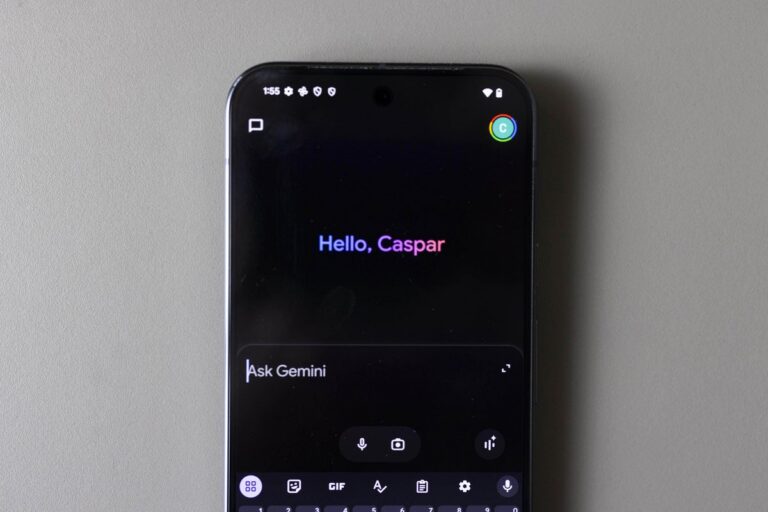
The tech company rolled out 66 new ‘regional voices’ for the Gemini app for Android and iOS on Monday.
Fears for national college entrance exam next week as test taker admits sending photos of questions to AI tool