Work Reports
Sort Customer Feedback Into Clear Themes
Below are comments from our customers about [PRODUCT_OR_SERVICE]. Read them all and group them into clear themes. Comments: [FEEDBACK_LIST] For each theme, estimate how…

Turn your notes and files into study guides and audio summaries
NotebookLM is a free Google tool for making sense of your own material. You upload documents, PDFs, web links or videos, and it answers questions using only those sources, pointing to the exact passages it used. It can create study guides, timelines, flashcards and even an audio overview where two AI voices discuss your material like a podcast. It is a favourite with students, researchers and anyone who has a lot to read.

Natural-sounding AI voices for reading, dubbing and narration
Turn text into lifelike speech, clone your own voice, or dub videos into other languages.

A private note-taking app that links your ideas together
Write notes stored on your own device, link them together and extend the app with community plugins.

Live meeting notes and transcripts, written for you
Records meetings and lectures, writes a live transcript and sends a short summary with action items.

Listen to any text read aloud in a natural voice
Turns articles, PDFs, emails and books into audio so you can listen at your own speed.
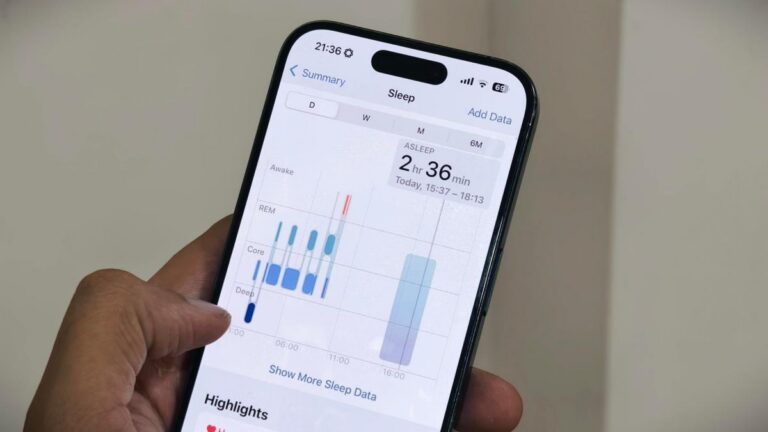
Apple is leaning into AI-powered health tools with the launch of its Apple Health AI Usage Study.
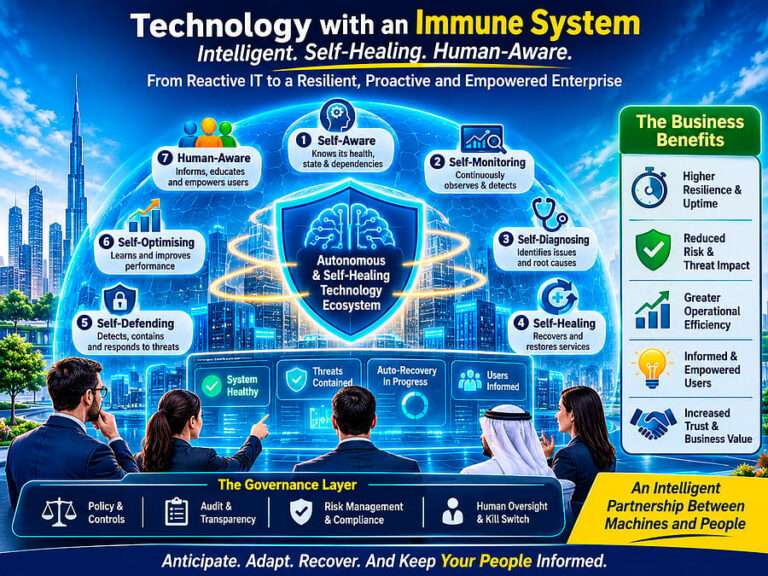
AI may not lie in replacing human effort, but in continuously enhancing human capability
A photo has surfaced showing an aide of PM Andy Burnham using AI to work on a speech, but Downing Street insists the speeches are mainly his own. The image, published by The Mail on Sunday, shows the aide with ChatGPT on a train before Burnham’s speech.