Work Marketing
Plan a Week of Social Media Posts
Write a week of social media posts for my business. What we sell: [BUSINESS]. Platform: [PLATFORM]. Something happening this week we can mention: [THIS_WEEK]. Mix the po…

Easy design for social posts, slides and more, with AI tools
Canva is an easy design app for making social media posts, presentations, posters, invitations, videos and more. Pick a template, swap in your own words and photos, and you are done. Its AI tools can create images from text, write captions, remove backgrounds and resize a design for different platforms. It works in the browser and on phones, and many people use it without any design experience.

One click to remove the background from a photo
Upload a picture and get a cut-out of the person, product or animal with a transparent background.
Create striking, artistic images from a short description
An AI image maker loved for its polished, artistic look. Describe a scene and get several stylish pictures to choose from.

OpenAI's image maker, now built into ChatGPT
OpenAI's image generator, known for following instructions and adding text to pictures. Today it is used mainly via ChatGPT.

Google's AI for creating and editing photos with simple words
Edit or create images in Google's Gemini app by describing changes, like 'put me on a beach' or 'change the jacket to red'.
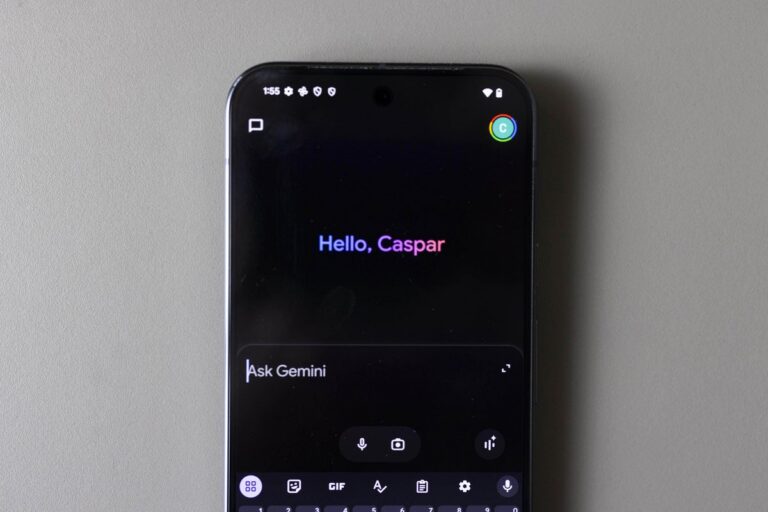
The tech company rolled out 66 new ‘regional voices’ for the Gemini app for Android and iOS on Monday.
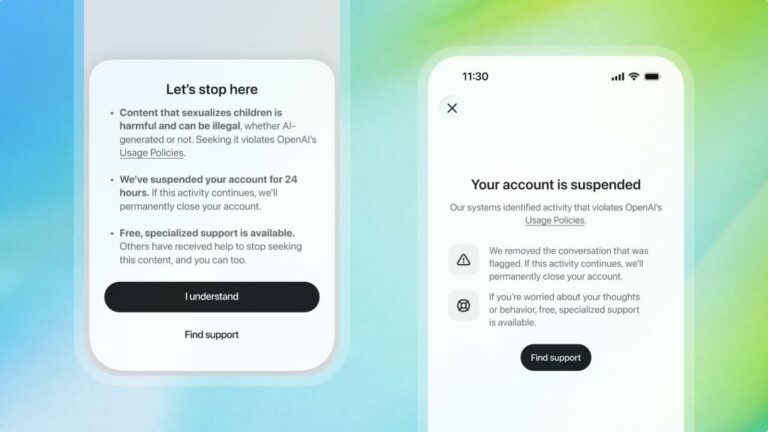
ChatGPT will ban an account trying to access CSAM content for 24 hours as a warning
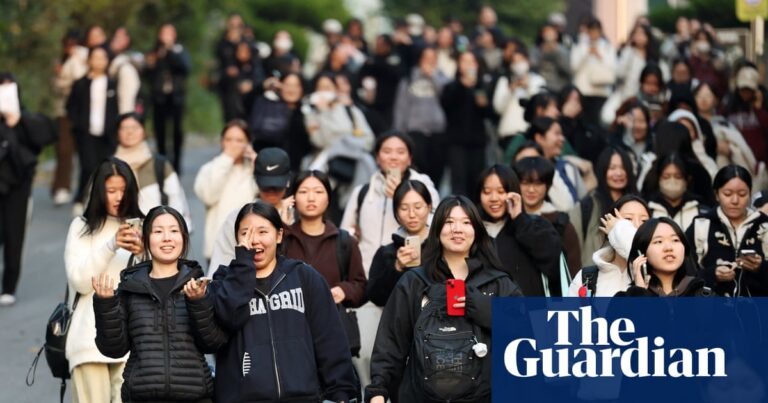
Fears for national college entrance exam next week as test taker admits sending photos of questions to AI tool