Social YouTube
Write YouTube Titles and Description
Help me publish my YouTube video. What the video covers: [VIDEO_SUMMARY] Who it is for: [AUDIENCE] Main search phrase: [KEYWORD] Please write: 1. 8 title options (under…

Microsoft's simple video editor in the browser
Clipchamp is a video editor from Microsoft that runs in the browser and comes with Windows. It has templates for presentations, social posts and adverts, plus stock footage and music. AI tools add captions, create voice-overs from text and suggest edits. It suits office workers, teachers and small businesses that need clean videos quickly.

Photoshop, Illustrator and Firefly AI for creative work
Adobe's creative apps, like Photoshop and Illustrator, plus Firefly AI for generating and editing images and more.

AI video with film-style camera moves at the click of a button
Create short AI videos using preset camera moves like crash zooms and drone shots, aimed at social creators.

Professional training videos with AI presenters
Companies use it to turn documents and scripts into presenter-led videos in many languages.

Google's AI for realistic video clips with sound
Google's video model that turns descriptions into short, lifelike clips, available through Gemini and other Google tools.
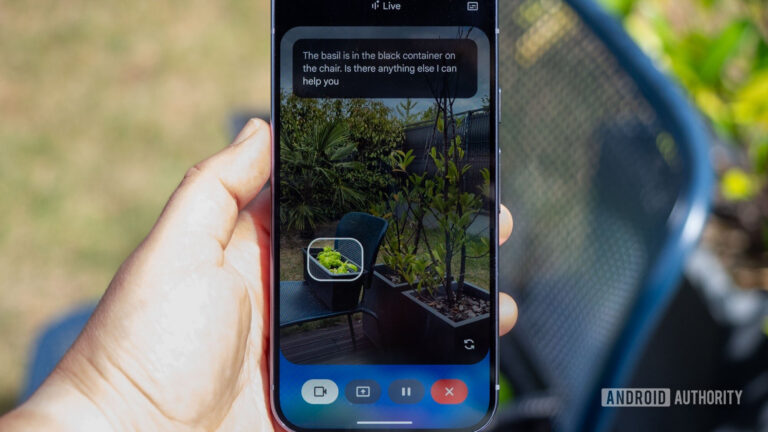
Gemini Live camera sharing lets you ask Google's chatbot about the world around you. However, we've uncovered video effects for this feature.
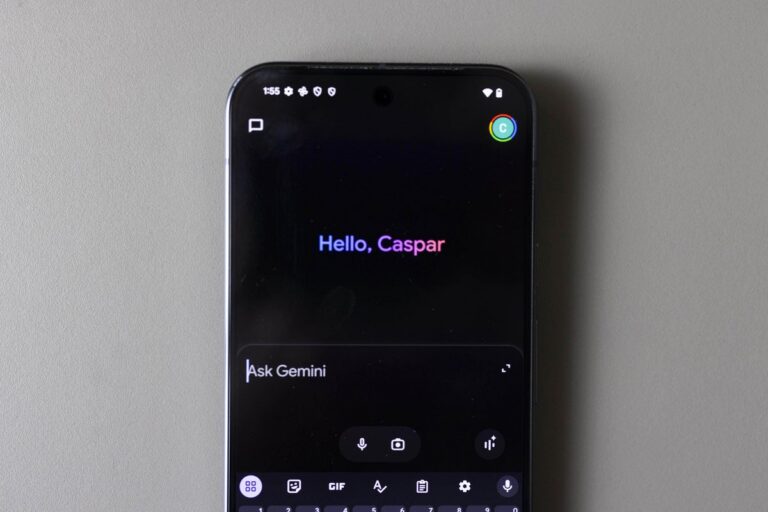
The tech company rolled out 66 new ‘regional voices’ for the Gemini app for Android and iOS on Monday.
UAE consumers now arrive at showrooms with saved images and AI-generated layouts, as designers say social media shapes the starting point for home spending