Social TikTok
Adapt TikTok Trends to My Niche
Help me use popular short-video formats for my niche without copying anyone. My niche or business: [NICHE] My audience: [AUDIENCE] What I am comfortable doing on camera:…

Edit video and podcasts by editing the text
Descript turns your recording into a transcript, and the transcript becomes the editor: delete a sentence in the text and it disappears from the video. It can remove filler words, clean up background noise and add captions. It suits podcasters, teachers and anyone who records talking-head videos but does not want to learn a complex editing program.

Create talking-avatar videos and translate them into other languages
Turn a script into a video presented by an AI avatar, or translate your own video with matching lip movements.

Easy video editing for short social clips
Edit videos on your phone or computer with templates, automatic captions, effects and AI tools.

Google's AI for realistic video clips with sound
Google's video model that turns descriptions into short, lifelike clips, available through Gemini and other Google tools.

Professional training videos with AI presenters
Companies use it to turn documents and scripts into presenter-led videos in many languages.
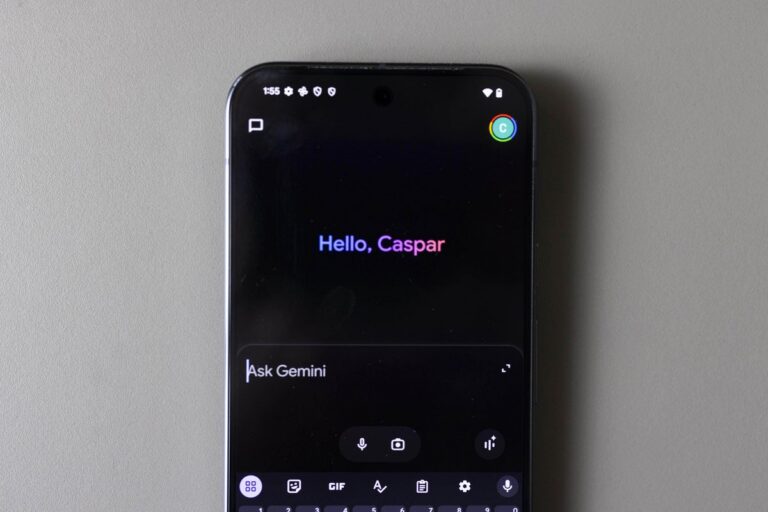
Following a preview at Google I/O, Google is rolling out 66 new regional voices to the Gemini app on both Android and iOS today.
The tech company rolled out 66 new ‘regional voices’ for the Gemini app for Android and iOS on Monday.
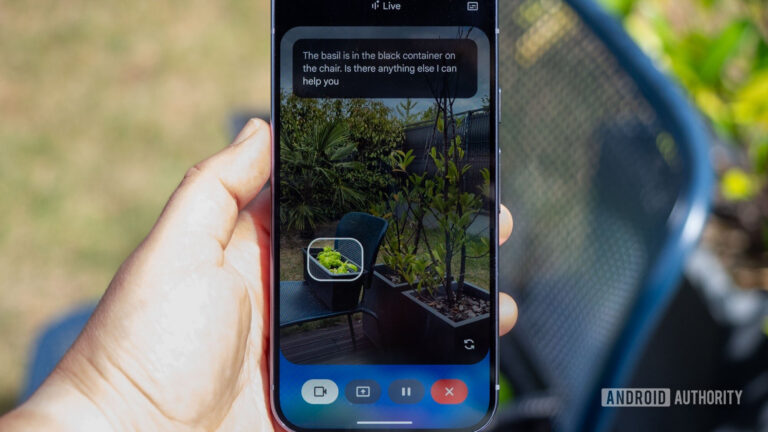
Gemini Live camera sharing lets you ask Google's chatbot about the world around you. However, we've uncovered video effects for this feature.