Writing Copywriting
Turn Features Into Customer Benefits
Help me explain my offer in terms of benefits, not just features. What I offer: [OFFER] My customers: [CUSTOMER] List of features: [FEATURES] For every feature, write: …

Microsoft's everyday AI assistant, built into Windows and Office
Microsoft Copilot is the AI assistant from Microsoft. You can chat with it on the web, in the mobile app, in the Edge browser and on Windows. With a Microsoft 365 subscription it also appears inside Word, Excel, PowerPoint and Outlook, where it can draft a document, summarise an email thread or explain a spreadsheet. It is a natural first choice if you already spend your day in Microsoft apps.

Team chat with AI that summarises what you missed
A messaging app for teams with channels, calls and AI features that catch you up on long conversations.

Turn your notes and files into study guides and audio summaries
Google's notebook that reads your documents and creates summaries, quizzes and podcast-style audio overviews from them.

A free AI chat app with strong maths and reasoning skills
A free AI chat assistant from a Chinese lab, popular for solving maths, logic and coding questions step by step.

A code editor with an AI helper built in
A programming app where AI suggests code, answers questions about your project and makes edits across files.
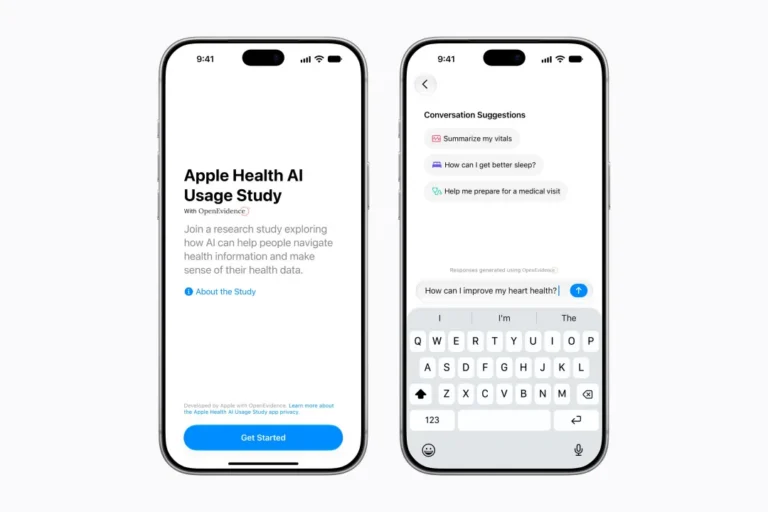
Apple's new app for a study will answer everyday medical questions
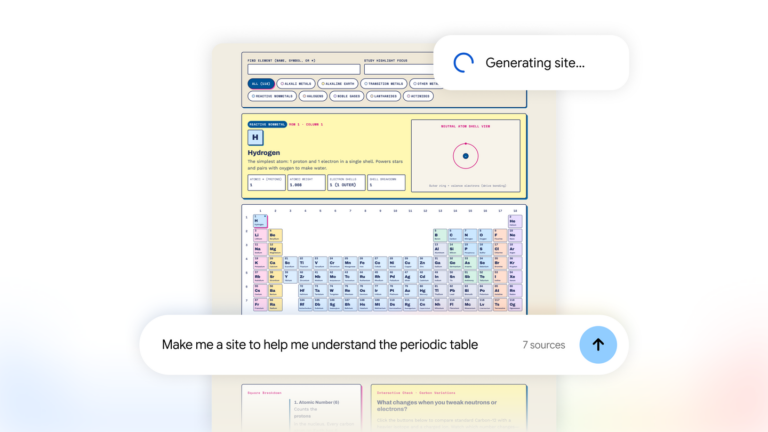
Gemini Notebook now turns your research into interactive sites. Build project trackers and visual dashboards with Google. Create your site today.
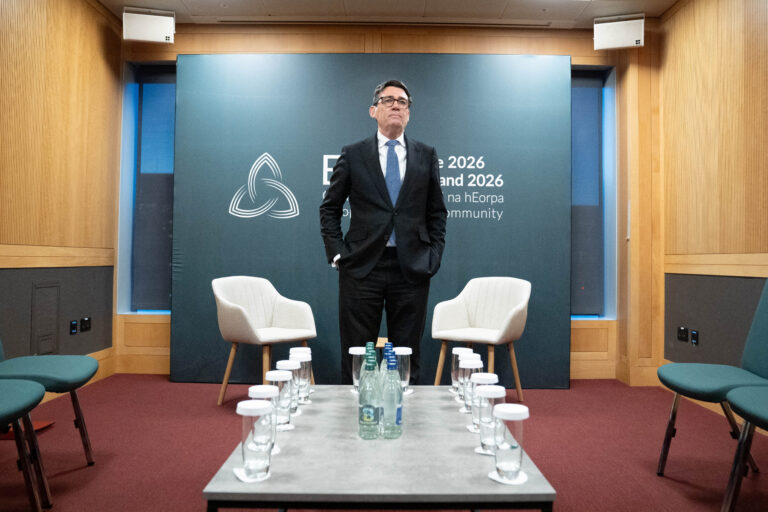
A photo has surfaced showing an aide of PM Andy Burnham using AI to work on a speech, but Downing Street insists the speeches are mainly his own. The image, published by The Mail on Sunday, shows the aide with ChatGPT on a train before Burnham’s speech.