Writing Tone & Style
Turn Formal Text Into Friendly Language
The text below sounds stiff and corporate. Rewrite it so it sounds like a friendly, helpful person talking to [AUDIENCE], while staying respectful and clear. Text: [TEXT…
Writing · Tone & Style
Rewrite any text in the tone you need, from friendly to formal, and see three versions side by side.
Rewrite the text below in a [TARGET_TONE] tone for [AUDIENCE]. Keep the message, facts and length roughly the same; change only the word choice, rhythm and attitude.

Original text:
[TEXT]

Give me three versions:
1. Light touch - only small changes toward the new tone.
2. Balanced - clearly in the new tone.
3. Strong - the new tone at full volume, without becoming silly or rude.

After the three versions, list 3 word or phrase swaps you made that changed the tone the most, so I can reuse them.
Tip: Version 2 is usually the safe choice; use version 3 for social media and version 1 for formal settings.
Gemini Notebook now turns your research into interactive sites. Build project trackers and visual dashboards with Google. Create your site today.
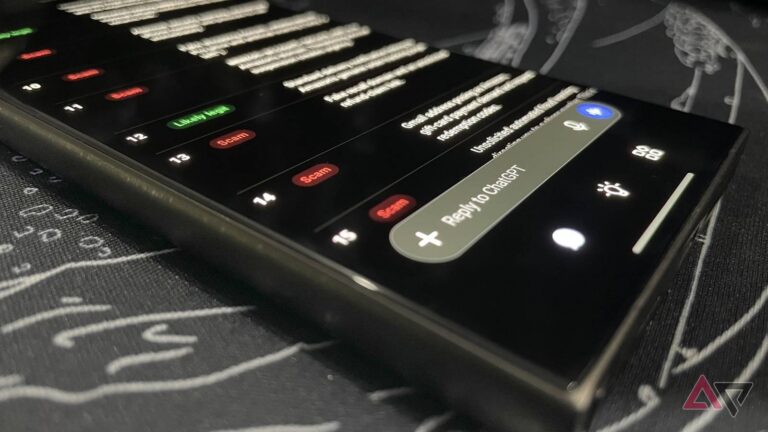
I tested Gemini, ChatGPT, and Claude on 20 fake and real Amazon messages. All three caught the scams, but only one trusted the real emails.