Study Quiz & Practice
Test Yourself With Why Questions
I have learned the facts about [TOPIC], but I want to check if I really understand them. Ask me [NUMBER] questions that need thinking, not memory. Include a mix of: – "W…
Study · Quiz & Practice
Turn your notes into question-and-answer flashcards ready to copy into Anki, Quizlet or paper cards.
Make flashcards from my notes on [SUBJECT]. Create [NUMBER] cards.

Rules for good cards:
- One fact or idea per card; no long lists on the back.
- The front is a clear question, not just a keyword.
- Mix types: definitions, "why" questions, examples, and fill-in-the-blank.
- Use only information from my notes.

Output as plain text, one card per line, in this format so I can import it:
question ; answer

After the list, mark the 5 cards you think are hardest with a star.

My notes:
[NOTES]
Tip: The semicolon format imports straight into Anki and Quizlet; change it to a comma if your app needs that.
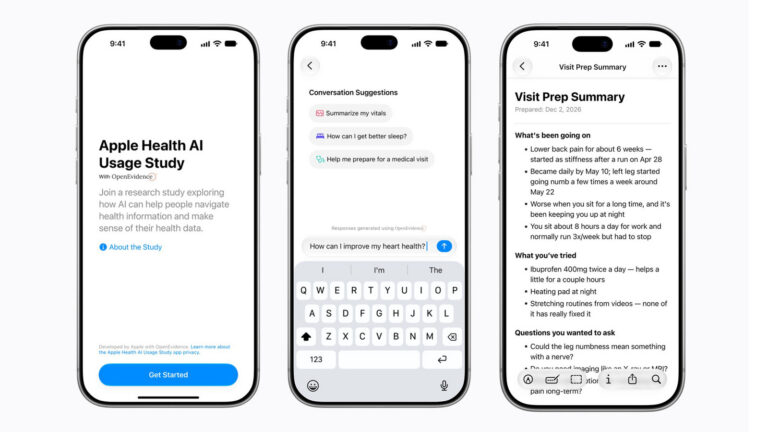
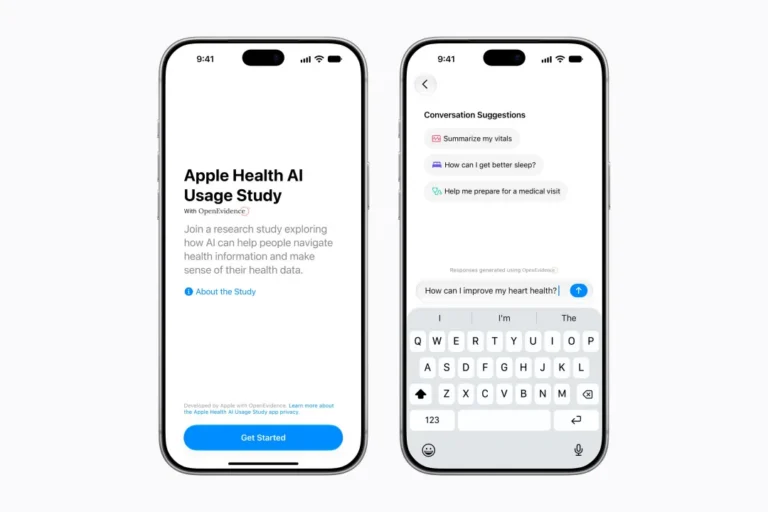
Apple is leaning into AI-powered health tools with the launch of its Apple Health AI Usage Study.
Apple has unveiled a new research study with the aim of learning how people use AI health tools.
Apple's new app for a study will answer everyday medical questions