Image Photography
Capture a Golden-Hour Travel Landscape
Breathtaking travel landscape photograph of [PLACE] at golden hour. In the foreground: [FOREGROUND]; in the distance the main view under a sky with [SKY]. Warm low sunlig…
Image · Photography
Get a professional-looking product photo for an online shop, marketplace or social post.
Professional studio product photograph of [PRODUCT], placed on [SURFACE]. Soft diffused light from a large window on the left, a gentle highlight on the edges and a soft natural shadow. A few simple props that suit the product, kept out of focus. Background in [BACKGROUND_COLOR], smooth and clean. Sharp focus on the product, high detail, true-to-life colours, shot with a 100mm lens look. Square 1:1, product centred with space around it.
Tip: For your real product, upload a photo of it and ask the tool to 'place this exact product' in the scene so customers see what they actually get.
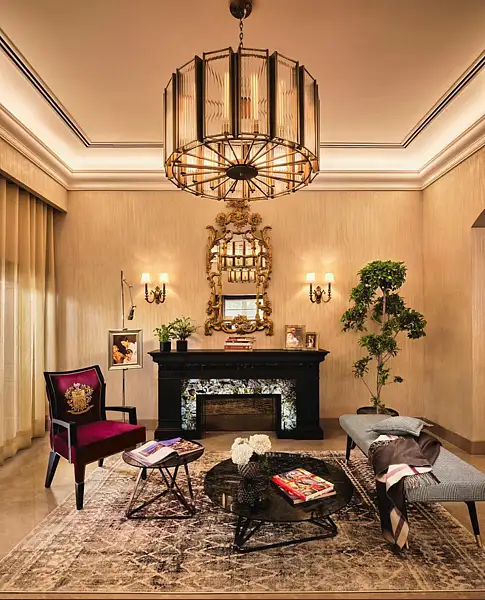
UAE consumers now arrive at showrooms with saved images and AI-generated layouts, as designers say social media shapes the starting point for home spending
ChatGPT will ban an account trying to access CSAM content for 24 hours as a warning
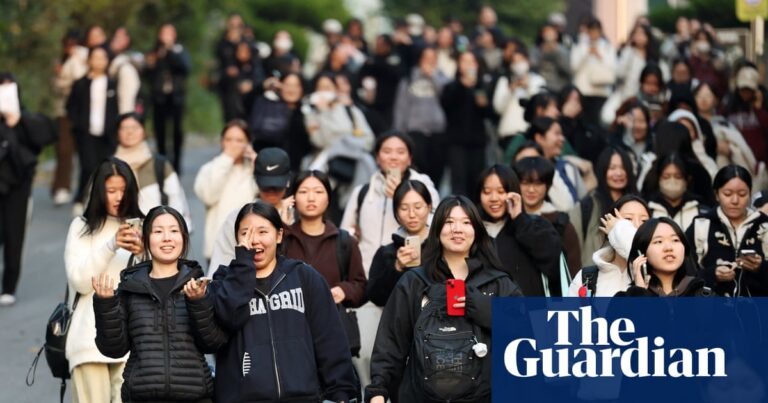
Fears for national college entrance exam next week as test taker admits sending photos of questions to AI tool