Image Characters
Turn Your Pet Into a Cartoon Mascot
Using my uploaded pet photo as reference, turn my [PET_TYPE] into a cute cartoon mascot. Keep its real fur colours, markings and eye colour. Big head, small body, playful…
Image · Characters
Make a retro pixel art character that looks ready to jump into an old-school video game.
Retro [BIT_STYLE] pixel art sprite of a game hero: [HERO]. Holding [ITEM]. Full body, facing slightly right in an idle pose. Crisp square pixels, no blur, limited palette of about 12 colours built around [MAIN_COLORS], with a dark one-pixel outline. Plain flat background. Below it, a small row of three extra frames showing a walking cycle. Square 1:1.
Tip: If the pixels look smooth or blurry, add 'hard pixel edges, no anti-aliasing' at the end.
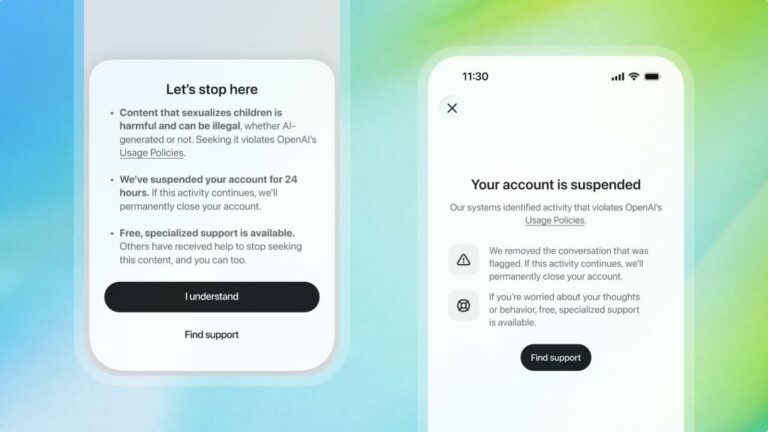
ChatGPT will ban an account trying to access CSAM content for 24 hours as a warning
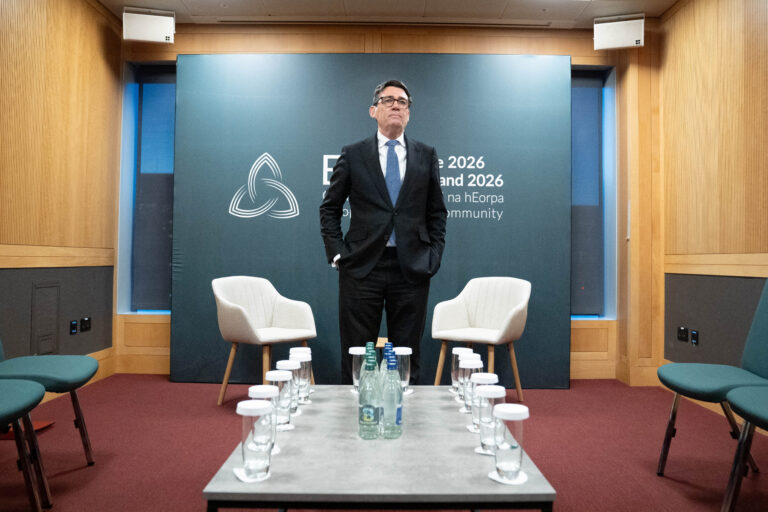
A photo has surfaced showing an aide of PM Andy Burnham using AI to work on a speech, but Downing Street insists the speeches are mainly his own. The image, published by The Mail on Sunday, shows the aide with ChatGPT on a train before Burnham’s speech.
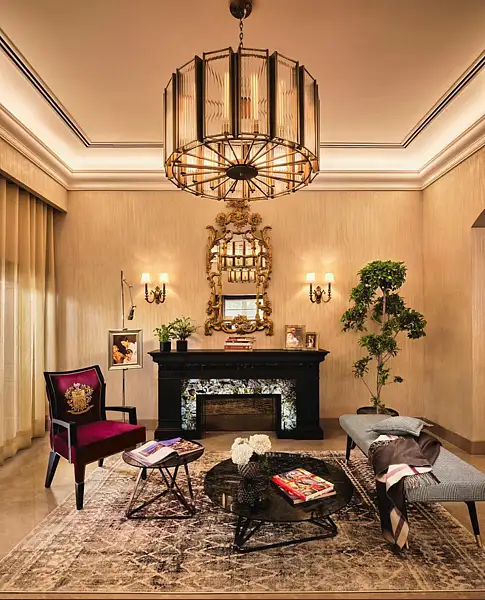
UAE consumers now arrive at showrooms with saved images and AI-generated layouts, as designers say social media shapes the starting point for home spending