Coding Debug
Find Out Why Your Code Gives the Wrong Result
My code runs without errors, but the result is wrong. Here is the code: [CODE]. With this input: [TEST_INPUT], I expected [EXPECTED_OUTPUT], but I got [ACTUAL_OUTPUT]. Pl…
Coding · Debug
Sort out overlapping boxes, uneven spacing or items in the wrong place, with a clear explanation.
Something on my web page is not where it should be. What I see: [LAYOUT_PROBLEM]. What I want instead: [DESIRED_LAYOUT]. Here is the HTML and CSS for that part of the page: [PAGE_CODE]. Please explain in plain words why the layout behaves this way, using a simple comparison if it helps. Give me the smallest change that fixes it, and show exactly which lines to replace. If there are several ways to fix it, pick the one that is easiest for a beginner to maintain. Also show me how to use the browser's built-in inspect tool to see the boxes around each element, so I can check problems like this myself next time.
Tip: A short description of what you see on screen helps as much as the code; mention the device and browser too.
The Claude AI developer’s unique setup is supposedly high-minded, but still represents extraordinary power concentration
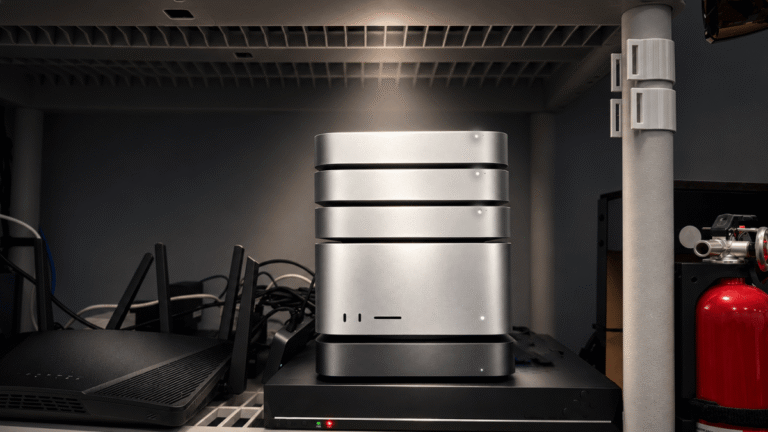
I gave my OpenClaw agent its own Mac Studio and asked it to break free. It tried 11 ways. Here’s how I used Claude Code to build a prison that held.