Coding Automation
Back Up an Important Folder Automatically
I want my important files backed up without having to remember. My computer runs [OPERATING_SYSTEM]. The folder I want to protect is [FOLDER_TO_BACK_UP], and I want copie…
Coding · Automation
Rename hundreds of photos or documents in one go, with a safe preview before anything changes.
I have a folder with many files that I want to rename. My computer runs [OPERATING_SYSTEM]. Right now the names look like [CURRENT_NAMES] and I want them to look like [NEW_NAMES]. Please write a small script that does this. First it should only show a preview list of old name and new name without changing anything, and only rename after I confirm. It should skip any file if the new name already exists. Explain how to install anything needed, where to save the script, how to open the right window to run it, and exactly what to type. Remind me to try it on a copied folder first. Keep all explanations simple.
Tip: Copy the folder first and run the script on the copy; check the preview list carefully before you confirm.
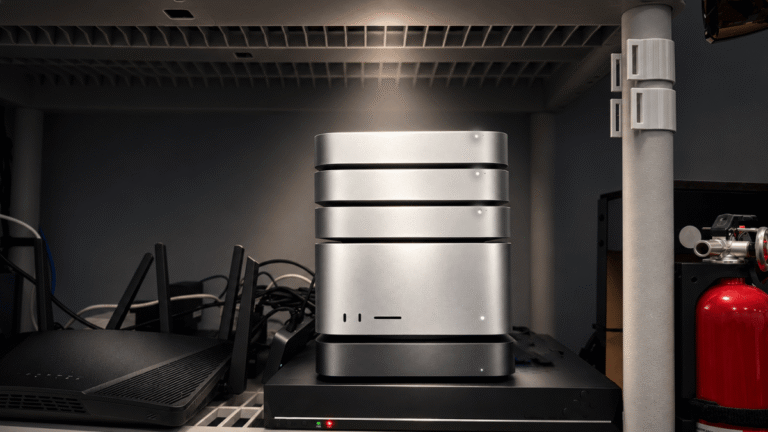
I gave my OpenClaw agent its own Mac Studio and asked it to break free. It tried 11 ways. Here’s how I used Claude Code to build a prison that held.
The Claude AI developer’s unique setup is supposedly high-minded, but still represents extraordinary power concentration